
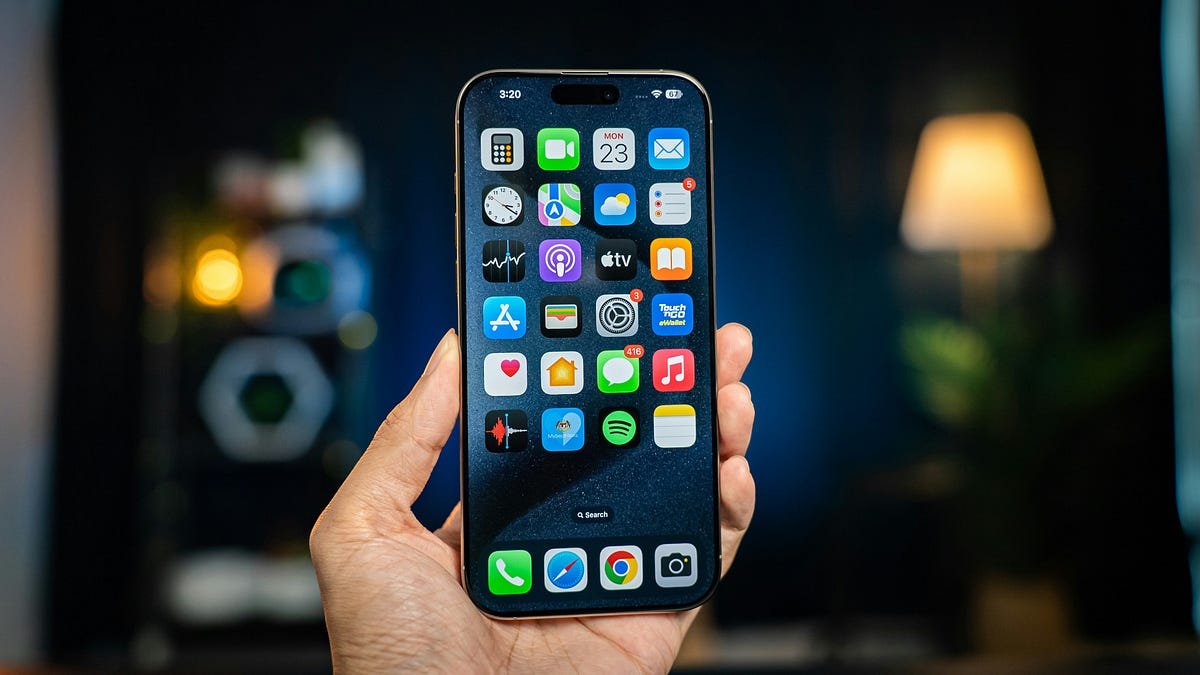

Most of us have the same dozen apps on our home screen and never look beyond them. But some of the most useful apps are the quiet ones that just save you a few minutes here and there. These are nine I’d suggest trying.
Availability and features can differ between Android and iPhone, and some apps have paid tiers. I’ve mentioned where that matters.
1. Google Lens
Point your camera at something and it tells you what it is. It can translate a sign, copy text from a page, identify a plant or find where to buy a product. It’s built into the Google app and many Android cameras, so you may already have it without knowing.
2. Snapseed
A free photo editor from Google that’s far more capable than it looks. You can fix lighting, remove small objects and adjust colors without any editing background. It’s a good choice if you want better photos but don’t want a subscription.
3. Obsidian
A notes app that stores everything as plain files on your device. If you like linking notes together and keeping your data in your own hands, it’s a great fit. It has a learning curve, so beginners may prefer something simpler like Google Keep.
4. Todoist
A clean to-do app that doesn’t get in your way. You can type something like “pay internet bill every month” and it understands the schedule. The free plan is enough for most people.
5. CapCut
Short video editing without needing a laptop. It’s popular for reels and shorts because of its templates, captions and simple timeline. Keep an eye on which features are locked behind the paid version.
6. Telegram
More than a chat app. You can use “Saved Messages” as a personal notepad and file locker, send large files, and keep chats in sync across devices. Good for moving files between your phone and computer.
7. Files by Google (Android)
It shows what’s eating your storage and suggests what to delete. It can also share files with nearby phones without using mobile data. If your phone keeps saying “storage full”, start here.
8. Microsoft Lens or Adobe Scan
Both turn your phone camera into a proper document scanner. They straighten the page, clean up the shadows and export a PDF. Handy for forms, receipts and ID copies. Just be careful where you store scans of sensitive documents.
9. Bitwarden
A password manager worth having on your phone as well as your computer. It fills in logins for you and lets you create strong passwords without remembering them.
Before You Install Anything
A few habits that save trouble:
- Download from the official app store, not from random APK sites.
- Look at the permissions an app asks for. A flashlight app has no reason to want your contacts.
- Delete apps you haven’t opened in a month. They take space and sometimes run in the background.
Final Word
You don’t need all nine. Try one or two that match something you do every day, like editing photos or keeping track of tasks, and see if they stick.
Which apps do you swear by? Leave a comment and we’ll check them out for a future post.
Leave a Reply